

AI Logo Maker - Create Your Logo in Seconds
Generate logos, remove backgrounds, upscale resolution, and convert raster images to clean vector art — instantly, in your browser, no software to install.


Design Your LOGO in Seconds
Create a professional, unique logo in seconds with our AI-powered logo maker. No design skills needed
Design a logo in seconds with AI
logo generator turns a business name and a short style prompt into a set of original logo concepts. Choose an industry, pick a color palette and font style, and the AI produces multiple variations you can refine
Experience radio in an
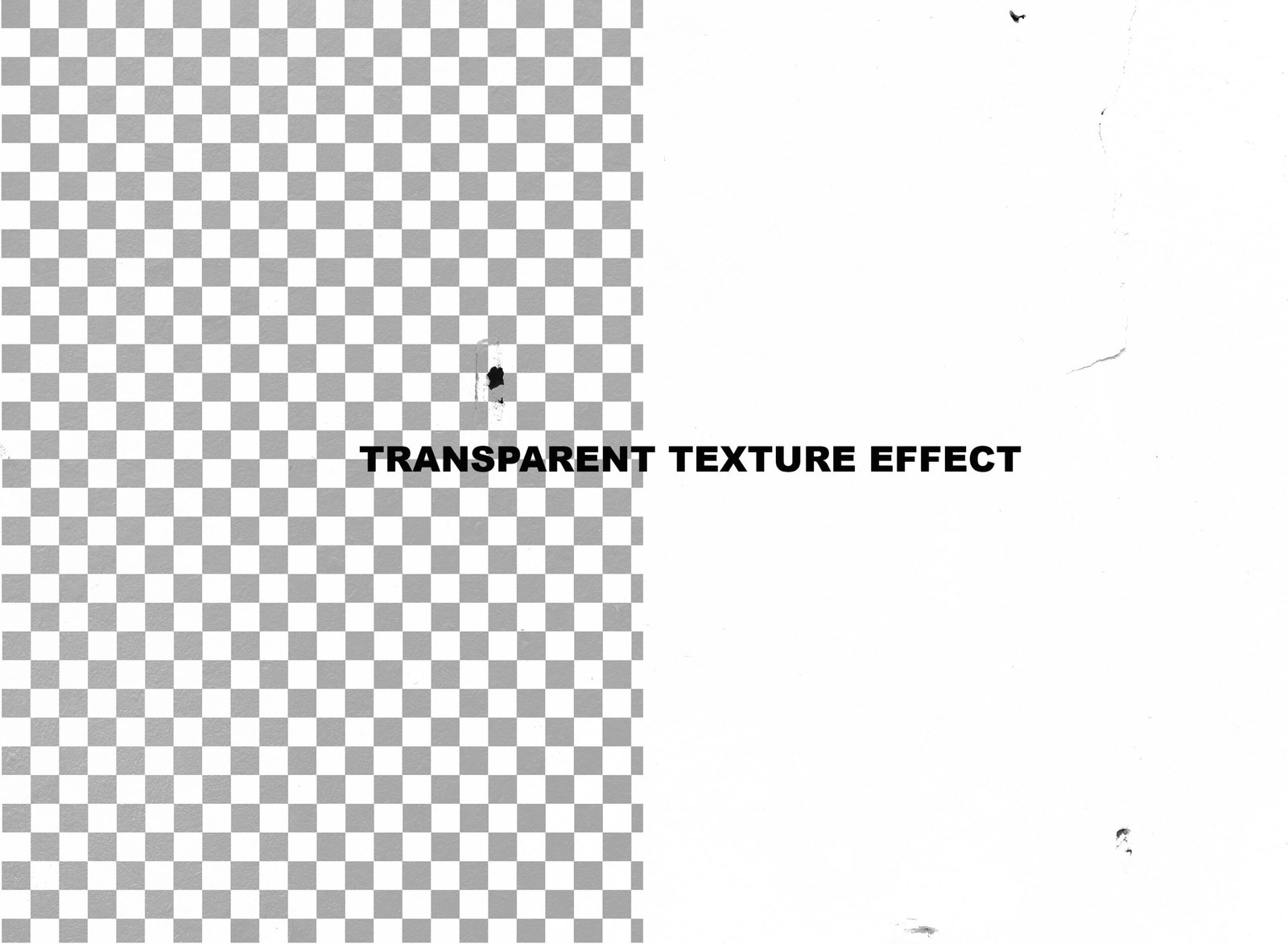
Remove image backgrounds automatically
Upload any photo and Pixym's background remover detects the main subject — a person, product, logo, or object — and cuts it out with clean, precise edges
Upscale images without losing quality
image upscaler uses AI super-resolution to enlarge photos and graphics up to 4x their original size while reconstructing detail that basic resizing tools blur or pixelate. It works well on product photos, old or low-resolution images
Convert raster images to scalable vector graphics
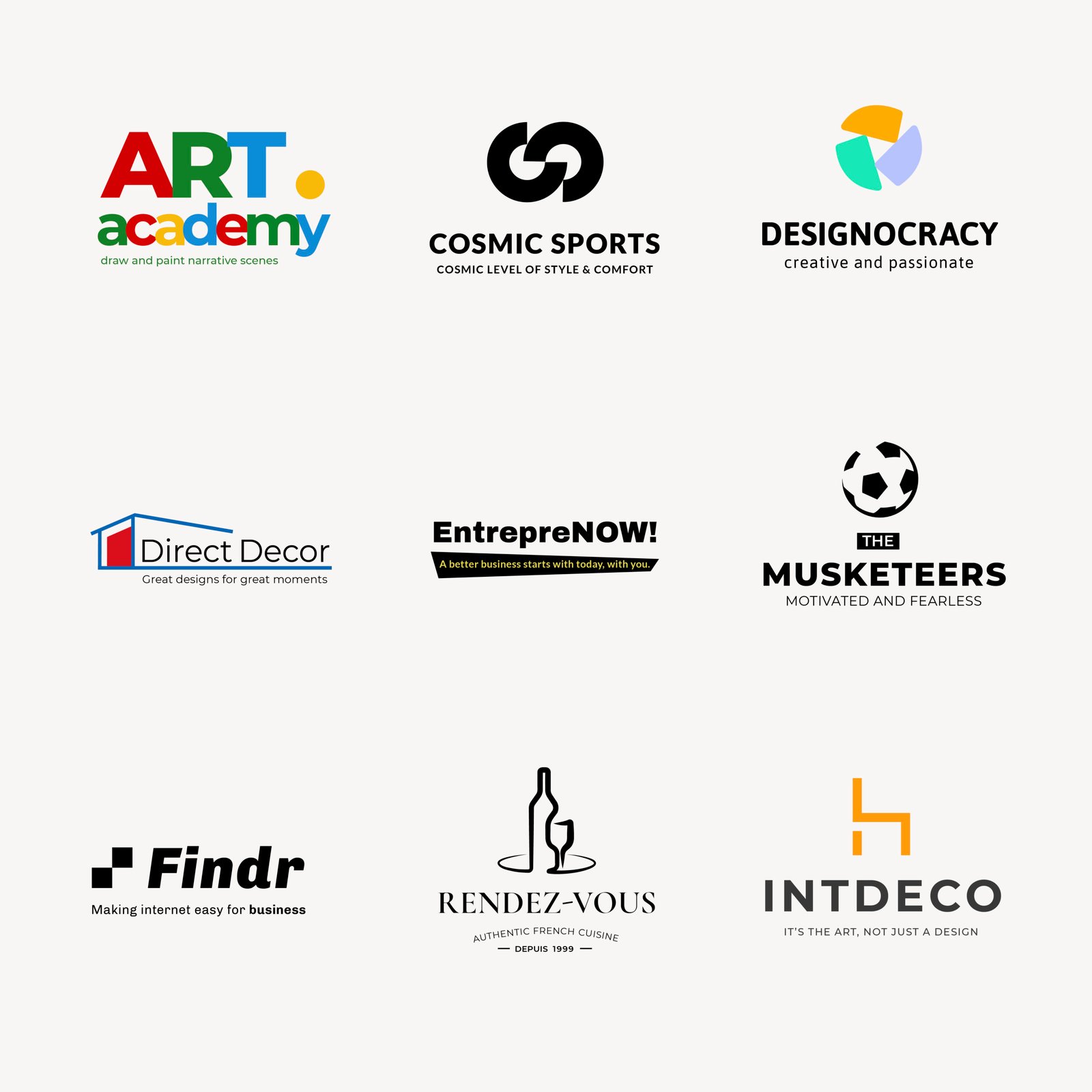
traces raster images — PNGs, JPGs, and scanned artwork — into clean vector paths, producing an SVG file that scales to any size with no loss of quality. This is essential for logos, icons, and illustrations that need to be resized for anything from a favicon to a storefront sign.
Powerful Tools, one Platform
Design logos, remove backgrounds, upscale images, and convert to vector — all powered by AI.
Logo Generator
Instant, custom logos in seconds.
Background Remover
Clean, transparent backgrounds with one click.
Image Upscale
Sharper images, up to 4x resolution.
Image to Vector
Convert images to scalable SVG files.
Upgrade Your Images, Your Way
Generate Hundreds of Logos & Graphics Seconds
Save time on your logo creation with LogoGen's AI-powered design tools. Focus on bringing your brand to life.
Instant Background Remover
Remove backgrounds from any image in milliseconds with pixel-perfect accuracy. Ideal for e-commerce, product photography, and graphic design.
Image Upscaler Tools
Simply upload your image, select your desired resolution, and let our AI image upscaler do the rest. No software downloads or design skills required. Supports JPG, PNG, and WEBP formats, with fast processing and instant download.
AI Logo Generator
Design smarter with AI – generate logos, remove backgrounds, create SVGs, and edit everything in one simple platform.
Average rating
Logos generated
Active creators
Every logo is generated fresh and unique — no repeated templates, no generic icons, no recycled designs.
The generated lorem ipsum is therefore always free from repetition, injected humour, or non-characteristic words etc.
Support us on KickStarter
Many desktop publishing packages and web page editors now use lorem ipsum.
Collected
Backers
Days to go
Subscriber reviews
The generated lorem ipsum is therefore always free from repetition, injected humour, or non-characteristic words etc.
Frequently Asked Questions
To write the perfect logo prompt, be descriptive about your brand, style, colors, and subject. Include details like “minimalist”, “geometric”, “vintage”, or specific elements you want in the design.
Generated logos are automatically saved to your “My Logos” gallery. You can access them anytime from your dashboard and download them in various formats.
You can purchase additional credit packs anytime from your dashboard. They never expire and are used after your monthly allowance. Alternatively, you can wait for your next monthly reset.
Yes, you can edit any generated logo using our post-processing tools like vectorization, background removal, and upscaling directly from your gallery
logo gen AI connects to multiple models including Flux, DALL-E, and others via OpenRouter for generation, and uses Recraft’s specialized models for vectorization and refinement.
Vectorization converts pixel-based images (raster) into mathematical paths (SVG). This allows your logo to scale to any size without losing quality – essential for professional printing and branding.
Background removal uses AI vision models to identify and erase backgrounds, saving as transparent PNG. Upscaling intelligently adds pixels to increase resolution without blurring.
Use the Help & Support link in your dashboard to contact our team. Include screenshots and detailed steps to reproduce the issue for faster resolution.
You can download your logos in multiple formats including PNG, JPG, and SVG after vectorization. Each format serves different purposes – PNG for web, SVG for scalable printing.
Generation costs vary by model (dynamic pricing). Post-processing actions have fixed credit costs – for example, vectorization always costs 1 credit, background removal 1 credit.